LOCAL VIDEO EDITOR
Compress video for Discord
Set your upload limit and download an MP4 that fits. Your video stays on your device.
Desktop Chrome or Edge · Up to 2 minutes · 100 MB · SDR video
Your video stays on your device. No added watermark.
No video selected
Choose a video to start.
Your result
Download result ↓How to compress a video for Discord
- Check the limit shown when you attach a file in Discord.
- Choose a video and enter the limit. For a little extra room, choose a smaller size.
- Create the MP4 and check its picture and sound before attaching it.
Which size should you choose?
Discord’s current attachment FAQ lists a 20 MB limit for accounts without Nitro. Available limits can differ by account or server. Follow the limit Discord shows you. The 10, 20, 25 and 50 MB buttons are common size choices, and you can enter any whole number from 1 to 100 MB.
Discord’s file attachment limits
What happens when the clip is too large?
VidNeat sets the bitrate for your duration and checks the actual size of the finished MP4. If the first result is over the limit, the editor can try again at a lower bitrate. If it still cannot fit the clip, shorten it or choose a larger size.
The output uses H.264 video and keeps the first audio track as AAC. A lower size leaves less detail for fast motion and small text. Choose a lower maximum edge if the picture looks blocky.
Example output below 10 MB
In a local Chrome test on an Apple M5, a 47.77 MB, 58-second test clip exported at 9.08 MB with a 10 MB limit and a 720 px maximum edge. Export took 31.8 seconds. The frames below show the same moment before and after the edit.
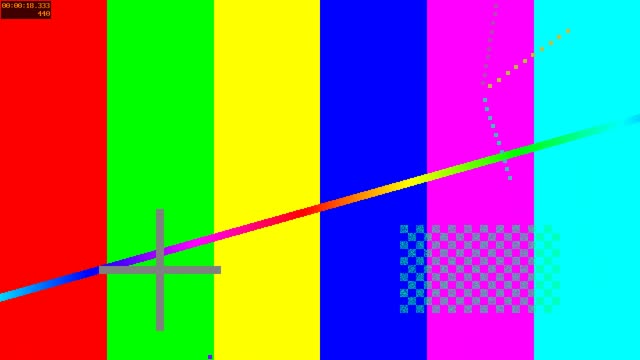
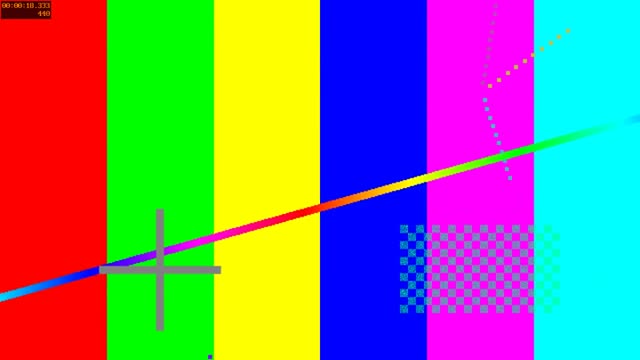
A second clip, 98.69 MB and just under two minutes, exported at 18.11 MB in 60.8 seconds with a 20 MB limit and the same maximum edge. Times are from the start of export and vary by device and file.
Plan an export before you compress
Use the video file size calculator to see how duration and bitrate affect size. For general edits where the exact size is flexible, use the video compressor.